
Where clients see personal bests
In the new client app, your client can find their personal bests in Personal records, through Workouts → History.
Clients on the older Kahunas apps do not have this screen.
Read video transcript
To find their personal bests, your client opens Workouts. They tap the calendar icon for History, then the trophy icon for Personal records. Here, they can choose a time range. No records yet? They need logged sets with weight and reps. Clients on the older Kahunas apps don't have this screen.
Open Personal records
Ask your client to:
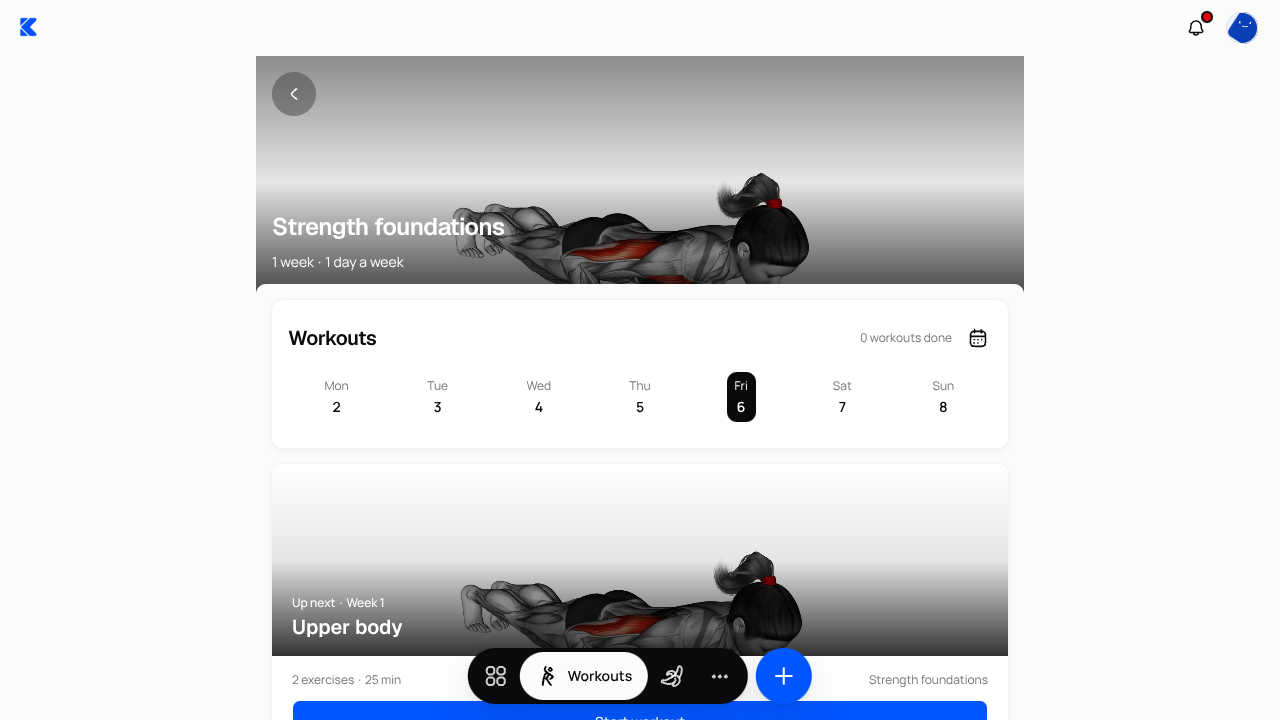
- Open the Workouts tab in their app. If they have one program, the app opens that program.
- Tap the calendar icon beside the Workouts heading to open History.
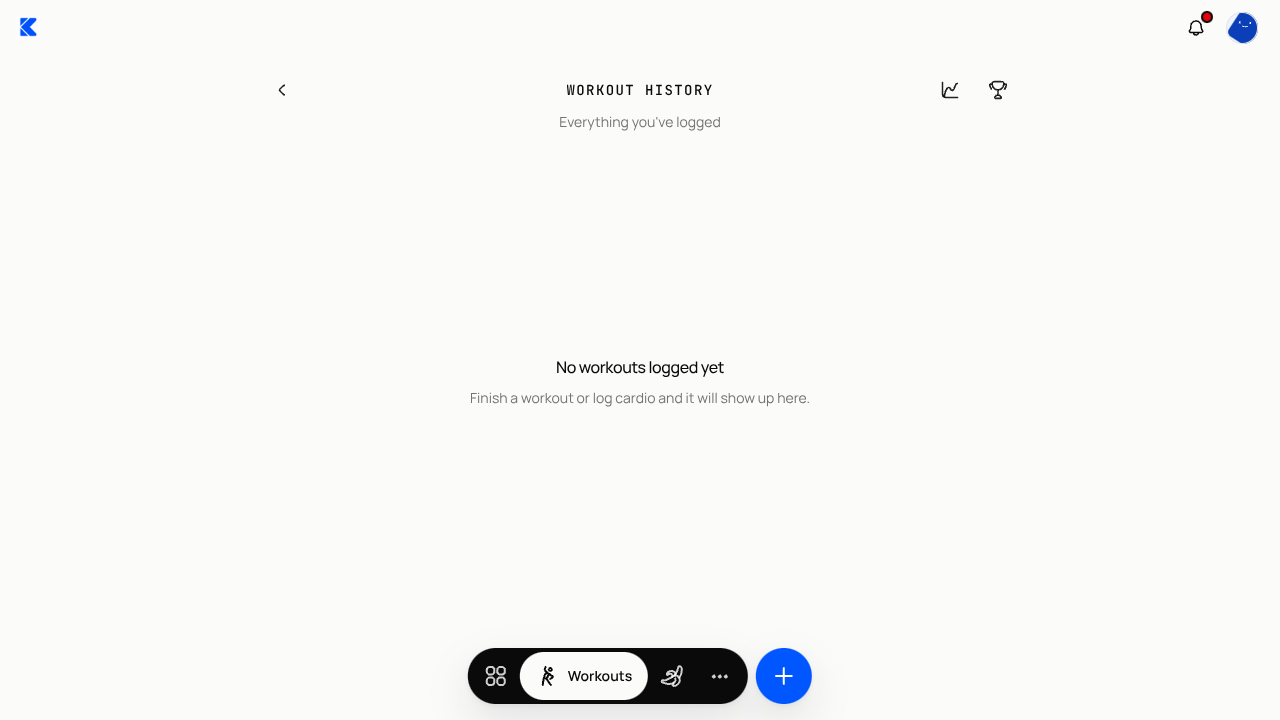
- On Workout history, tap the trophy icon beside the heading. This opens Personal records.
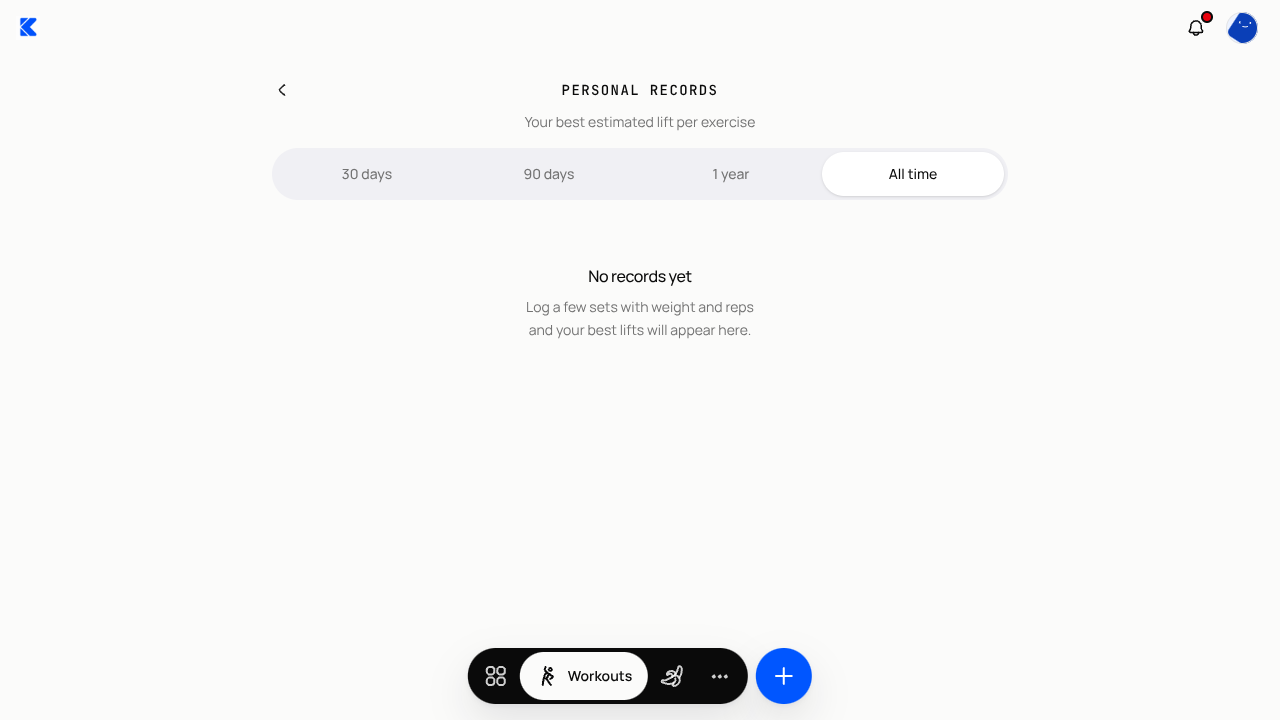
- Choose 30 days, 90 days, 1 year or All time to see their best lifts within that period.
Read the records
Each exercise's record shows the set's reps and weight, the date, and Est. 1RM. This means an estimated one-rep maximum: the weight they might lift for one rep, calculated from their logged weight and reps using the Epley formula. It is an estimate, not a measured one-rep lift.
If they see No records yet, they need to log sets with weight and reps. If a shorter time range is empty, try All time to include older sets.
You have a separate coach view: open the client's profile and choose Workouts to find Recent PBs. See Review workout logs in the Workouts walkthrough.
Screenshots show the English interface with example data.