
Set default sets, reps and rest
Store sets, reps and rest on an exercise so the next row you add starts with those numbers. You set this on each exercise in coach web. The iPhone and Android coach apps use the same stored default the next time you add that exercise.
Settings has no switch that applies one sets, reps and rest to every exercise.
Read video transcript
Open Plans, then Training programs, and choose Exercises. Open the exercise, then select Edit. On Default details, enter Sets, Reps and Rest. Select Next, then choose Update exercise. That stores the default on this exercise. Add the exercise to a program. The new row starts with those numbers.
Open the exercise
- Open Plans, then Training programs.
- Select Exercises.
- Open the exercise. Opening it shows a preview, not the editor.
- Select Edit. The sheet is titled Edit exercise. Stay on Default details.
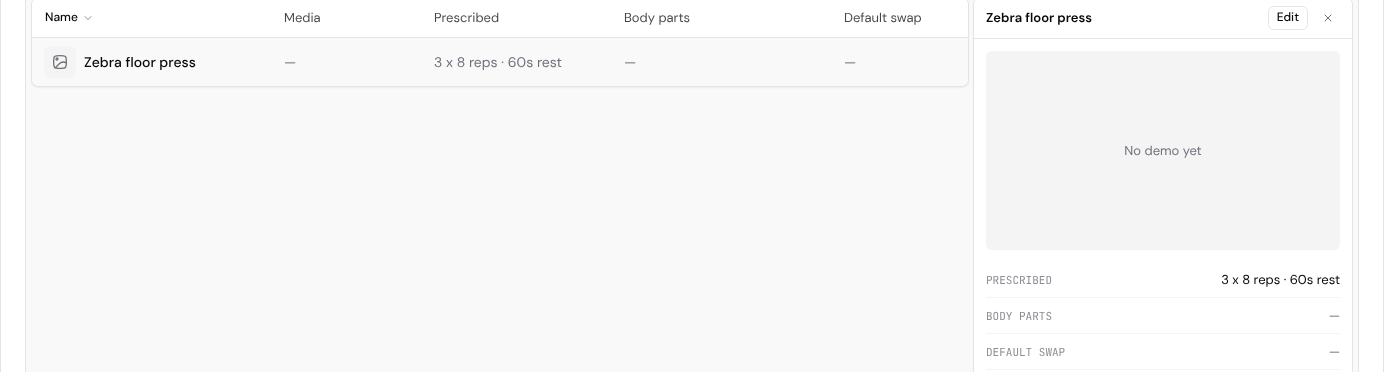
The Prescribed column shows the stored default, such as 3 x 8 reps · 60s rest.
Set Default details
- Enter Sets, Reps and Rest (s). RIR means reps in reserve. Leave it empty if you do not use it.
- Select + Tempo, + Load, + Distance (m), + Duration (s) or + Coaching cue to add that field. Those fields stay hidden until you add them. A coaching cue is the default note for the next time you add this exercise.
- Select Next to move through Volume and Swaps. You can leave both as they are.
- Select Update exercise.
Cancel closes the sheet and leaves the stored default unchanged. On a new exercise, the last step says Save instead of Update exercise.
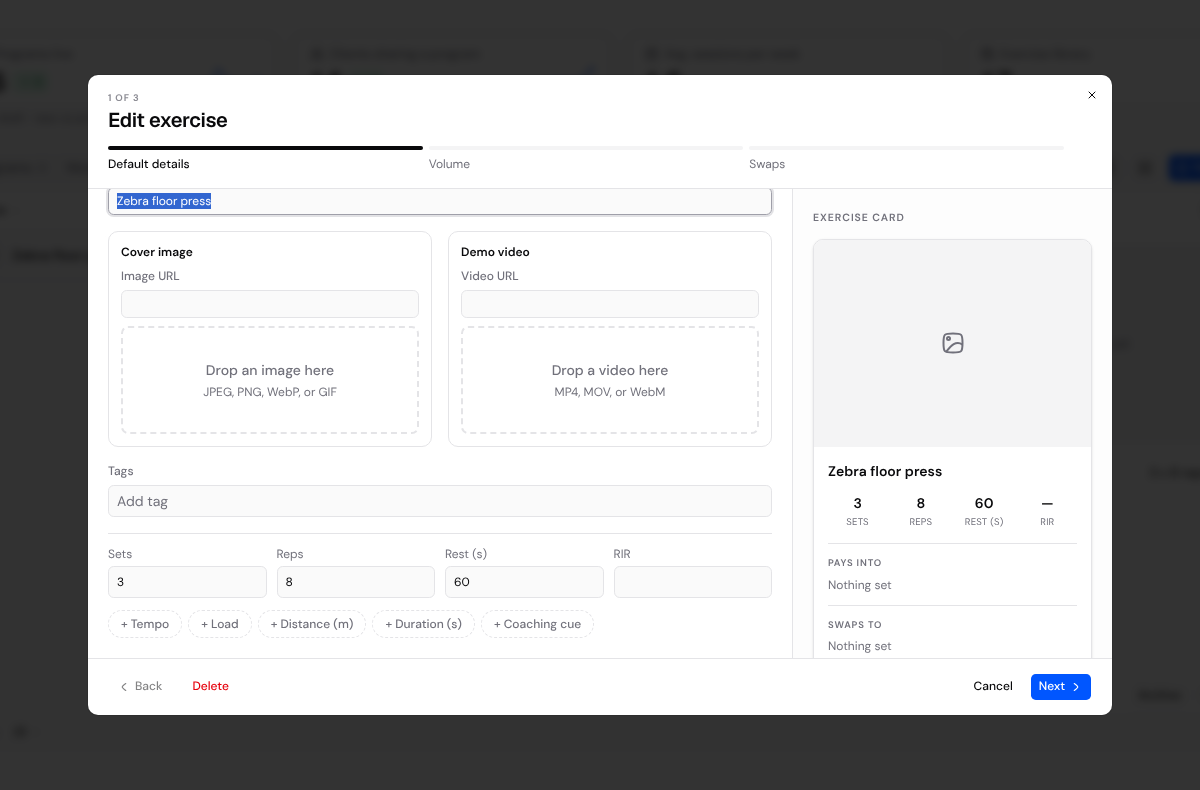
Saving Default details stores the default on that exercise. It does not change rows already in your programs. A coaching cue works the same way: notes already saved on a program row stay as they are.
What a new row uses
Add the exercise to a program. The new row is filled from the stored default.
If that exercise already has a prescription in a program, the new row uses the last sets, reps and rest from that exercise instead of the stored default.
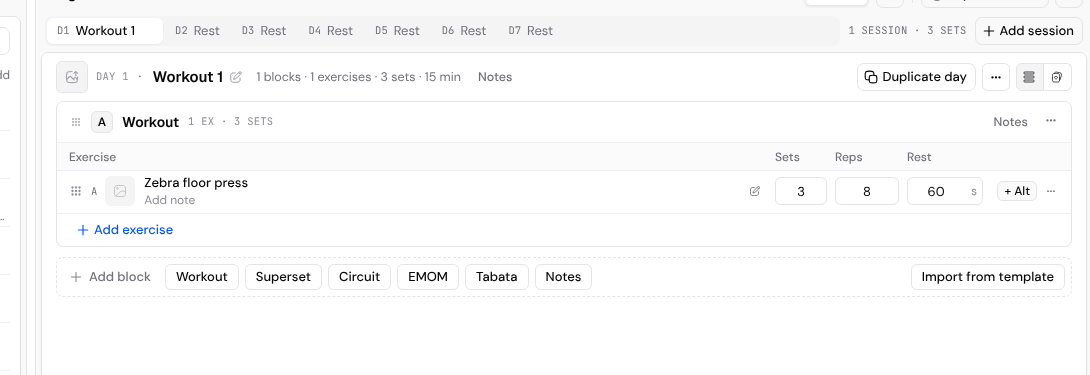
To change one row without changing the stored default, edit the sets, reps and rest in that program. Workout Programs covers adding an exercise and setting the work on a row.
If a new row is still blank, the exercise has no stored default and no earlier prescription. Set Default details and choose Update exercise. The next new row uses that default. Rows you already saved stay as they are.
Nutrition Plans
Build meals or set macro targets, reuse foods and templates, find and rename plans, and choose how each client's plan will stay up to date.
Where clients see personal bests
Help your client open Personal records from Workouts, choose a time range and understand their estimated best lifts.